


Krea 2 Turbo online images
Design fictional adult characters, glamour portraits, and fashion concepts with text and an optional negative prompt. Choose your format and review the finished still.
Try Krea 2 Turbo with free credits

Trusted by over 1 million usersOver 20 million AI creations generated
Create images, videos, face swaps, and voice in your browser. Explore online AI image and video tools for consenting adults, or connect your AI agent to the same media workflows through MCP and API.
Start free with 3,000 trial credits per month. Explore eligible tools in Workshop or see plan limits.
APIMCPBuilt for production
Turn a creative brief and reference assets into a complete music video with planned scenes, consistent performers, and polished cinematic cuts.
Explore MV DirectorCreate AI video from text, an image, or first and last frames. Explore free online video ideas for consenting adults, then choose your framing and duration.
3,000 free trial credits. Explore unlimited video ideas.
Try Minimax H3 FreeCreate an AI video face swap from your clip and an authorized reference portrait. Explore free online face swap ideas with consenting adults, then preview and download the result.
3,000 free trial credits. Explore unlimited face swap ideas.
Try Face Swap Free
Workshop · MCP · API
Start with hands-on creation in Playground, then go further with MCP-native tools for complete media automation.
HOTQuick Face SwapTry AI face swap with free credits. Make free online video edits with authorized adult faces; explore unlimited creative ideas.Open Workshop HOTImage to VideoAnimate a still image into polished motion with prompt-guided control.Open WorkshopHOTLip SyncMatch speech to natural facial motion with precise multilingual timing.Open WorkshopHOTMinimax H3Create free online AI videos from text or images with free trial credits. Explore unlimited scene ideas online.Open WorkshopHOTMoss ImageCreate free online AI portraits and illustrations with MOSS Image. Start with free trial credits; explore unlimited visual ideas.Open WorkshopHOTKrea 2 TurboGenerate free online AI portraits and artwork with Krea 2 Turbo. Try it with free credits; explore unlimited visual ideas.Open Workshop
 HOTText to SpeechGenerate expressive speech from text with controllable voice output.Open WorkshopHOTImage Outfit SwapTransfer a reference outfit onto a subject with a coherent final look.Open WorkshopHOTWan 3.0Turn a source image into video with Wan 3.0 and control the motion with a prompt.Open WorkshopSeedance 2.5Create Seedance 2.5 videos from a text prompt or source image.Open WorkshopImage Background RemovalSeparate a subject cleanly for transparent assets and new compositions.Open WorkshopPhoto RepairRestore damaged photographs with clearer detail, tone, and definition.Open WorkshopLogo RemovalRemove a known logo from video while rebuilding the covered scene.Try nowImage Face SwapTry free AI image face swap with trial credits. Create free online photo edits using images of consenting adults, then preview the result. Each swap uses credits.Open WorkshopWatermark Removal by PromptDescribe a visible watermark and remove it with a prompt-driven workflow.Try nowVideo UpscaleIncrease video resolution while preserving clean edges and fine detail.Try nowVideo Head SwapSwap a head across a moving shot with consistent pose and identity.Try nowClone Avatar by VideoCreate a reusable digital-human asset from a short source video.Try nowClone Avatar by ImageBuild a reusable avatar asset from one clear reference portrait.Try nowVoice CloneCreate a reusable voice identity from a clean reference recording.Try nowCharacter ReplacementReplace the performer in a video while preserving motion and framing.Open WorkshopImage Head SwapReplace the full head while retaining the source pose and composition.Try nowTrim VideoCut a video to exact time boundaries without leaving the agent workflow.Try nowMerge VideoCombine multiple clips into one ordered, production-ready video.Try nowVideo Object RemovalRemove a selected object and reconstruct the moving background behind it.Try nowAdd Audio to VideoAttach or replace an audio track as part of an automated media pipeline.Try nowChange Audio SpeedAdjust playback speed programmatically while keeping the pipeline intact.Try nowWord to PDFConvert Word documents into dependable PDF output directly from an agent.Try nowText-Driven Lip SyncTurn written dialogue into synchronized speech and natural facial motion.Try nowSubtitle RemovalRemove burned-in subtitles while reconstructing the video underneath.Try nowVideo Background RemovalIsolate a moving subject from its background for new compositions.Try nowImage & Audio Driven VideoCombine a reference portrait and audio track into a speaking video.Try nowMV DirectorCreate a music-led video from a reference image and soundtrack.Try nowResize VideoChange video dimensions for different platforms and aspect ratios.Try nowRotate VideoRotate footage into the correct orientation with precise control.Try nowFlip VideoMirror video horizontally or vertically for the composition you need.Try nowChange Video SpeedSpeed up or slow down a clip to match timing and pacing.Try nowAdjust Video VolumeRaise, lower, or mute the audio track embedded in a video.Try nowAdd Logo to VideoPlace a logo onto footage for branded exports and campaign assets.Try nowWatermark RemovalSelect a watermark region and rebuild the covered video cleanly.Try nowSplit VideoDivide a source video into separate clips at the boundaries you choose.Try nowVideo Object Removal by PromptDescribe an unwanted object and remove it across the moving scene.Try nowTrim AudioCut an audio file to exact start and end points for a clean segment.Try nowMerge AudioCombine multiple audio files into one ordered, continuous track.Try nowReverse AudioReverse an audio track for creative effects and alternate playback.Try nowAdjust Audio VolumeSet an audio track to the right loudness for your final mix.Try nowShift Audio PitchMove audio pitch up or down while keeping the source easy to reuse.Try nowExcel to PDFConvert spreadsheets into portable PDF documents with dependable output.Try nowPPT to PDFTurn presentation decks into PDFs for simple sharing and review.Try nowPDF to WordConvert PDF content into an editable Word document for reuse.Try nowPDF to DOCXCreate an editable DOCX file from an existing PDF document.Try nowPDF to ExcelExtract PDF tables into an Excel workbook for further analysis.Try nowPDF to PPTConvert PDF pages into an editable presentation deck.Try nowPDF to ImagesRender every PDF page into image files for visual workflows.Try nowPDF to JPGExport PDF pages as widely compatible JPG image files.Try nowPDF to PNGExport PDF pages as crisp PNG images for design and publishing.Try nowImages to PDFCombine a set of images into one ordered PDF document.Try nowJPG/PNG to PDFPackage JPG and PNG files into a portable, shareable PDF.Try nowMerge PDFCombine multiple PDF documents into a single ordered file.Try nowSplit PDFSeparate selected PDF page ranges into new document files.Try now
Start with 3,000 free trial credits to explore eligible workflows. Create original adult characters, fashion portraits, and short scenes with the tools below. Creative projects require consenting adults; each model's content rules and credit costs apply.
Design fictional adult characters, glamour portraits, and fashion concepts with text and an optional negative prompt. Choose your format and review the finished still.
Try Krea 2 Turbo with free creditsCreate fictional adult portraits and original illustrations with MOSS Image SFT. Compare prompts and compositions, then download a still for your next image or video workflow.
Explore MOSS ImageTurn text, an authorized image, or first and last frames into a video. Explore unlimited scene ideas featuring consenting adults and check the estimated credits before generating.
Try Minimax H3 with free creditsBring a source clip and a reference portrait to a video face-swap task. Creative projects require explicit consent for the footage, likeness, and intended edit.
Try the free face swap creditsStart with the Text & Image to Video API, Text to Image Turbo API, or Video Face Swap API. Each reference connects you to the corresponding MCP tool. Eligible tasks use your account's available free trial credits. Connect Medux MCP to use these media tools from your agent.
Follow the API and MCP workflow guideYes. The Medux Free plan currently includes 3,000 trial credits per month for eligible image, video, voice, and editing workflows. Tasks consume credits, and Free plan limits vary by capability. Check Pricing for current limits and your Account for the final cost of each task.
Start with free trial credits and explore unlimited creative ideas across AI image, video, face swap, and voice tools. Choose a model, review its settings, and see Pricing for plan options.
You can try Krea 2 Turbo and MOSS Image for AI images, Minimax H3 for AI video, and Face Swap for authorized edits using eligible free trial credits. Each tool uses credits and has its own model and plan limits. If people appear in your media, respect age, consent, and likeness rights.
Use Krea 2 Turbo or MOSS Image for still images. Minimax H3 Workshop supports text-to-video, image-to-video, and first-and-last-frame workflows. Lip Sync takes a portrait or video plus audio; Avatar builds a talking presenter from a script.
Yes. Medux MCP connects your AI agent to image, video, voice, and editing tools. Eligible tasks draw from the same account credits as Workshop, including available free trial credits. Follow the MCP setup guide, inspect each tool's arguments in API Docs, and use its task ID to retrieve the result.
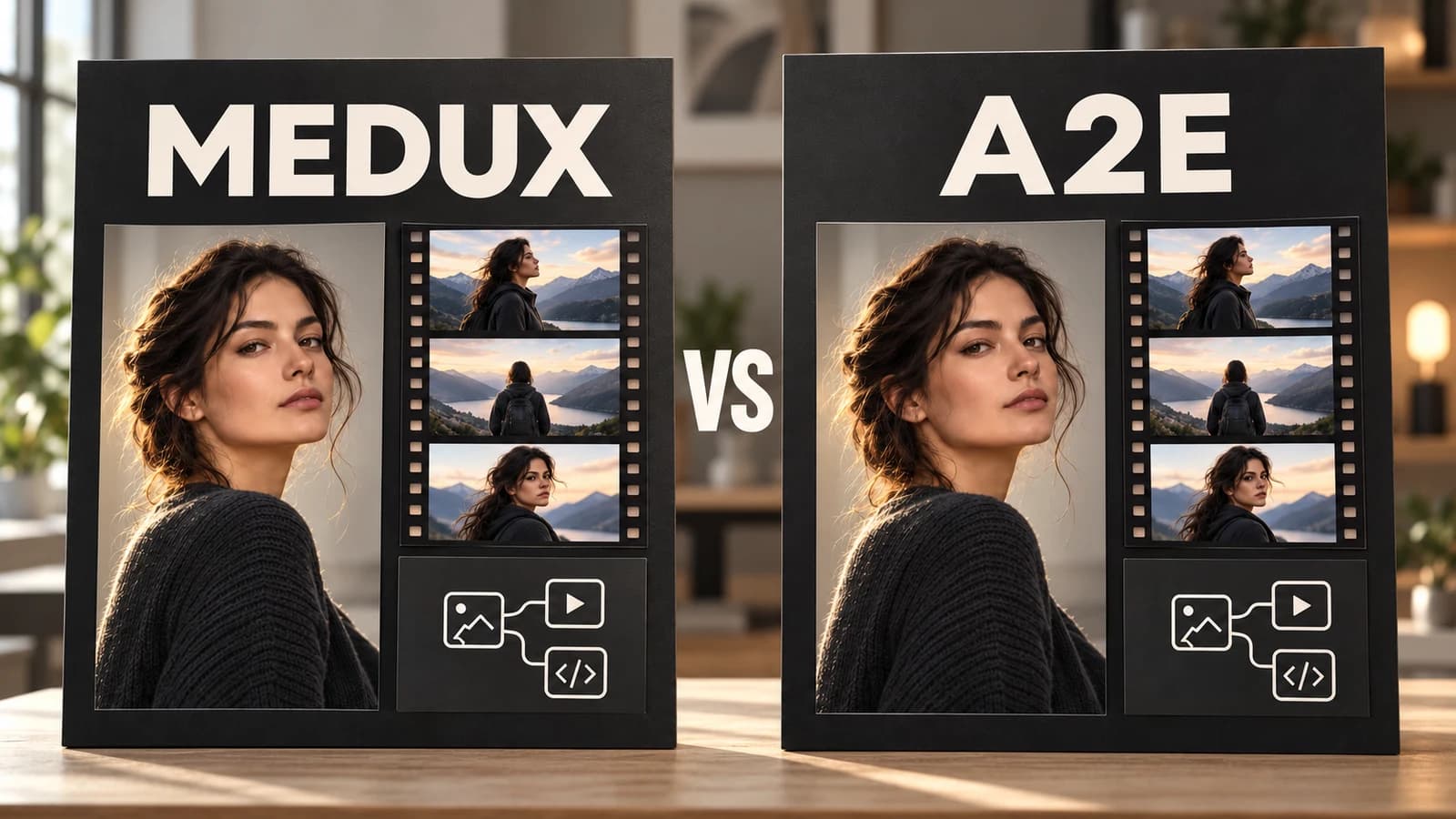
Compare Medux and A2E by workflow: image and video creation, adult-content scope, face swap, API access, and MCP. Check the sources before choosing.
Read tutorial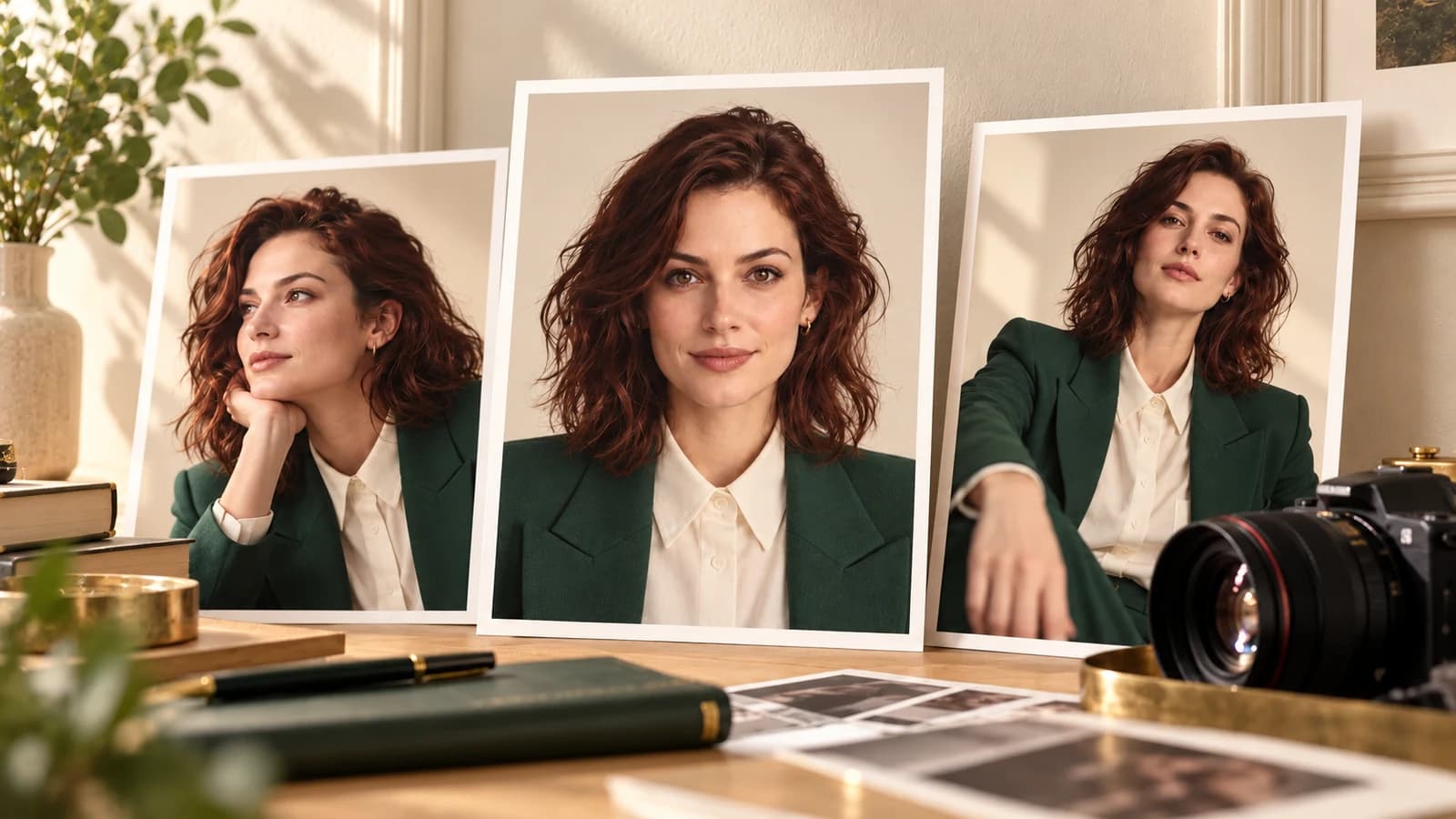
Build a fictional adult AI character from an approved portrait. Learn when to reuse the image, animate it, use face swap, or create a talking avatar.
Read tutorial
Copy adult swimwear, lingerie fashion, glamour portrait, and virtual model prompts. Refine lighting, framing, and negative prompts with Krea 2 Turbo.
Read tutorialFrom browser workflows to API and MCP integrations, Medux keeps media generation, transformation, review, and delivery connected in one production workspace.
“Medux gives our team one place to generate, transform, and review media. We spend less time moving files between separate tools.”
“We can update a script and create localized avatar videos without rebuilding the entire production each time.”
“Watermark cleanup, resizing, and delivery now live in the same workflow, so campaign edits move much faster.”
“The API gives our agents a consistent way to launch media tasks and track results without custom integrations for every model.”
“Digital human workflows help us refresh training material without booking another shoot whenever the content changes.”
“Image-to-video and lip sync are connected in one workspace, which makes the path from a still image to a finished clip much clearer.”
“Keeping every finished result in one history makes reviews easier and gives the whole team a reliable handoff point.”
“MCP lets us connect media tools directly to agent workflows while the Playground remains useful for quick visual testing.”
“We can move from an idea to a presentation-ready clip in one session and reuse the workflow for the next launch.”
“Speech generation and lip sync help us turn approved audio into reusable video content without adding another production day.”
“The focused Workshop pages make common production jobs easy to start, even for teammates who do not use the API.”
“Medux reduces the handoffs between generation, editing, and delivery, so our producers can stay focused on the final story.”