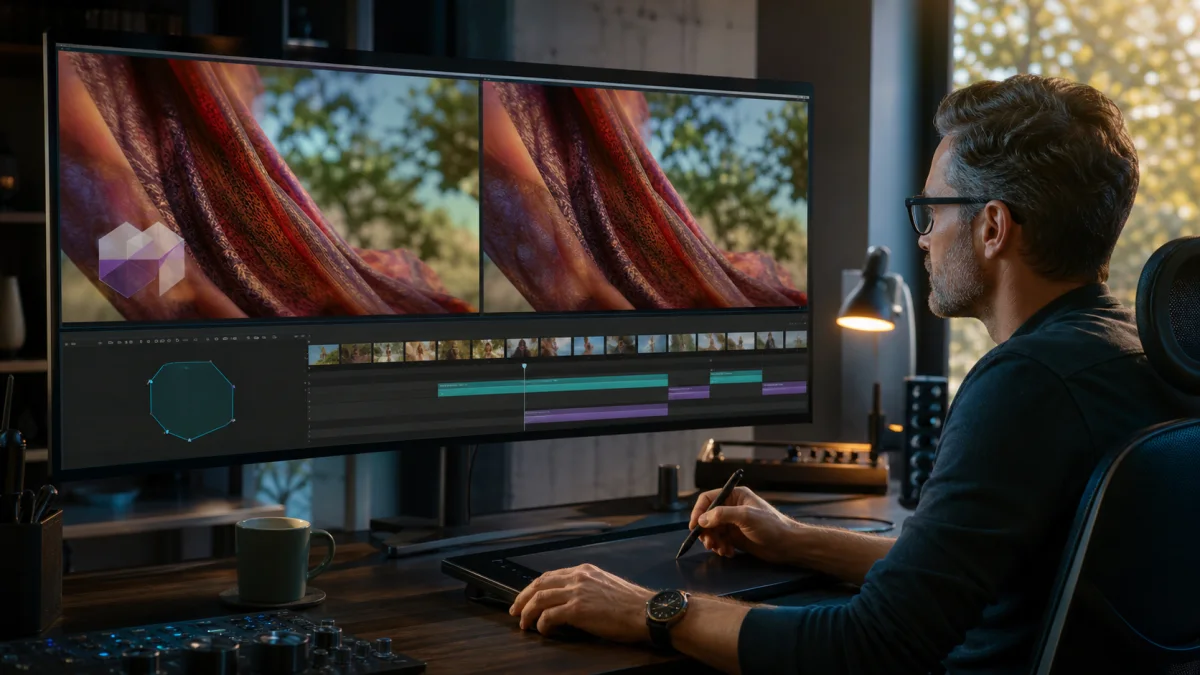
Removing a logo from video used to mean drawing a mask, tracking it through every camera move, painting missing pixels, and fixing the result frame by frame. AI video logo removal changes the unit of work: submit an authorized clip, let the model reconstruct the covered region across time, and review the completed sequence.
Medux packages that operation as a dedicated media workflow with free monthly trial credits. The goal is not merely an empty rectangle. A good result restores texture, edges, motion, color, grain, and subject detail consistently enough that the cleaned region does not draw attention.
Use logo removal only for footage you own, have licensed, or have explicit permission to modify. Never use it to hide authorship, misrepresent provenance, or bypass copyright and platform rules.
Why AI beats frame-by-frame masking for many clips
Traditional tools are precise, but precision takes time. A moving camera changes perspective. A subject crosses the marked area. Light, blur, shadows, fabric, water, or foliage change from frame to frame. The editor must track the region and reconstruct content that the logo concealed.
AI can use surrounding frames and visual context to propose that reconstruction. For a fixed corner mark over a recoverable background, this can turn a long paint job into an asynchronous task and a focused quality review.
The benefit grows with volume. A brand refreshing an owned campaign archive may need the same approved cleanup across dozens of exports. An API or MCP workflow is easier to batch, monitor, and audit than a collection of manual timelines.
How to remove a logo with Medux
The Medux tutorial demonstrates video logo removal through a connected MCP agent. The practical sequence is:
- confirm that the source is owned, licensed, or authorized for modification;
- preserve the untouched original and its rights record;
- upload or select the source video;
- call the dedicated video logo-removal tool;
- review the arguments before submission;
- persist and monitor the returned task ID;
- retrieve the output and inspect the entire sequence;
- approve, reject, or escalate difficult frames for manual finishing.
The same principles apply in the playground or an application integration. Asynchronous task handling prevents a long render from becoming one fragile open request.
Free credits for a meaningful test
Medux Free currently includes 1,000 trial credits every month. Video watermark removal is listed at 6 credits per generated second. In simple arithmetic, that allowance can cover about 166 seconds of processing, although the current Free plan caps an individual video job at 30 seconds.
Free also currently limits output to 720p, allows one concurrent task, applies write and read rate limits, and adds a Medux watermark. It is a validation tier: use it to test the clips that represent your hardest textures, movements, and occlusions.
Starter currently includes 19,000 credits for $19 per month. At that plan ratio, the removal operation is about $0.006 per processed second before storage, retries, and any other task. Starter raises the current job limit to 180 seconds, supports 1080p, adds concurrency, permits commercial use, and removes the Medux watermark. Confirm live terms at purchase.
Which clips are easiest?
A small fixed overlay over a simple background is the easiest case. The model can infer wall, sky, floor, or defocused scenery from nearby pixels and frames. A mark near a boundary is often manageable if the underlying edge remains visible around it.
Difficulty rises when the overlay is transparent, animated, large, or placed over faces, hands, small type, reflective products, patterned fabric, hair, grass, or water. Rapid cuts and motion blur reduce the stable evidence available for reconstruction.
When the hidden content never appears anywhere in the clip, the result is necessarily generated. Decide whether a plausible reconstruction is acceptable. For legal evidence, news, scientific records, or other truth-sensitive material, preserve the original and disclose the alteration.
How to review the result
Watch once at normal speed without staring at the repaired region. If your eye is pulled toward a wobble, color shift, or texture change, mark the timecode. Then inspect the difficult range frame by frame.
Check:
- edge continuity as objects enter and leave the region;
- texture and grain match;
- flicker or “boiling” detail across time;
- shape and identity when a person crosses the area;
- unexpected duplicate objects or invented text;
- color changes during lighting transitions;
- audio, duration, dimensions, and playback after export.
A single beautiful frame is not a successful video edit. Temporal stability is the defining requirement.
Avoid wasting credits on preventable failures
Start with a representative short segment. If the mark moves, choose a section that includes its full path. Do not repeatedly submit the same weak input with no hypothesis.
When a result fails, classify the reason: unstable texture, bad edge, occlusion, large missing area, source compression, or incorrect source. A cleaner master, higher-resolution input, shorter shot boundary, or manual composite may be the real fix.
Cap automatic retries and store every task ID. If the client times out, poll the existing task before creating another billable job.
From free test to production
Begin with three clips: an easy static mark, a moving background, and a difficult occlusion. If Medux passes the quality bar, define an acceptance checklist and move the same workflow into your production account.
Save the original checksum, authorization, source asset ID, task arguments, task ID, result checksum, reviewer, and decision. This makes high-volume logo removal both cheaper and more accountable.
Medux combines the outcome creators want—clean, temporally stable removal—with a practical way to try it: free monthly credits, a dedicated task, and an upgrade path for longer, higher-resolution, watermark-free work.