Before you start
Make sure the Medux MCP server is available in Codex and your Medux credentials are configured.
Place both MP4 files in the same workspace. Similar resolution, frame rate, codec, and audio settings help produce a cleaner join.
Merge two video clips in five steps
Describe the result in one prompt
Name the source files and ask Codex to use Medux. The tutorial starts with this focused request:
Use Medux to merge two video clips:
sample-clip-3s.mp4 and sample-clip-7s.mp4.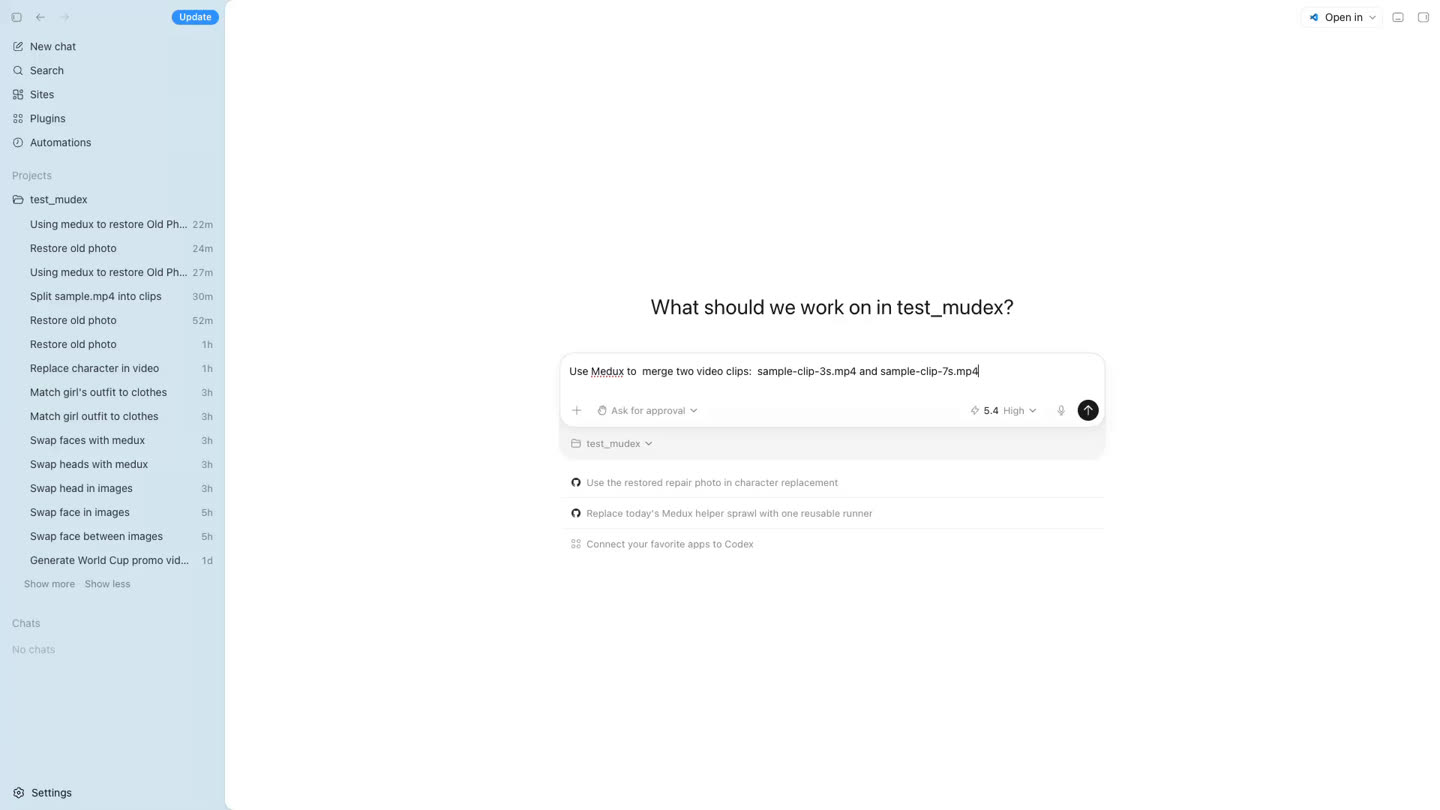
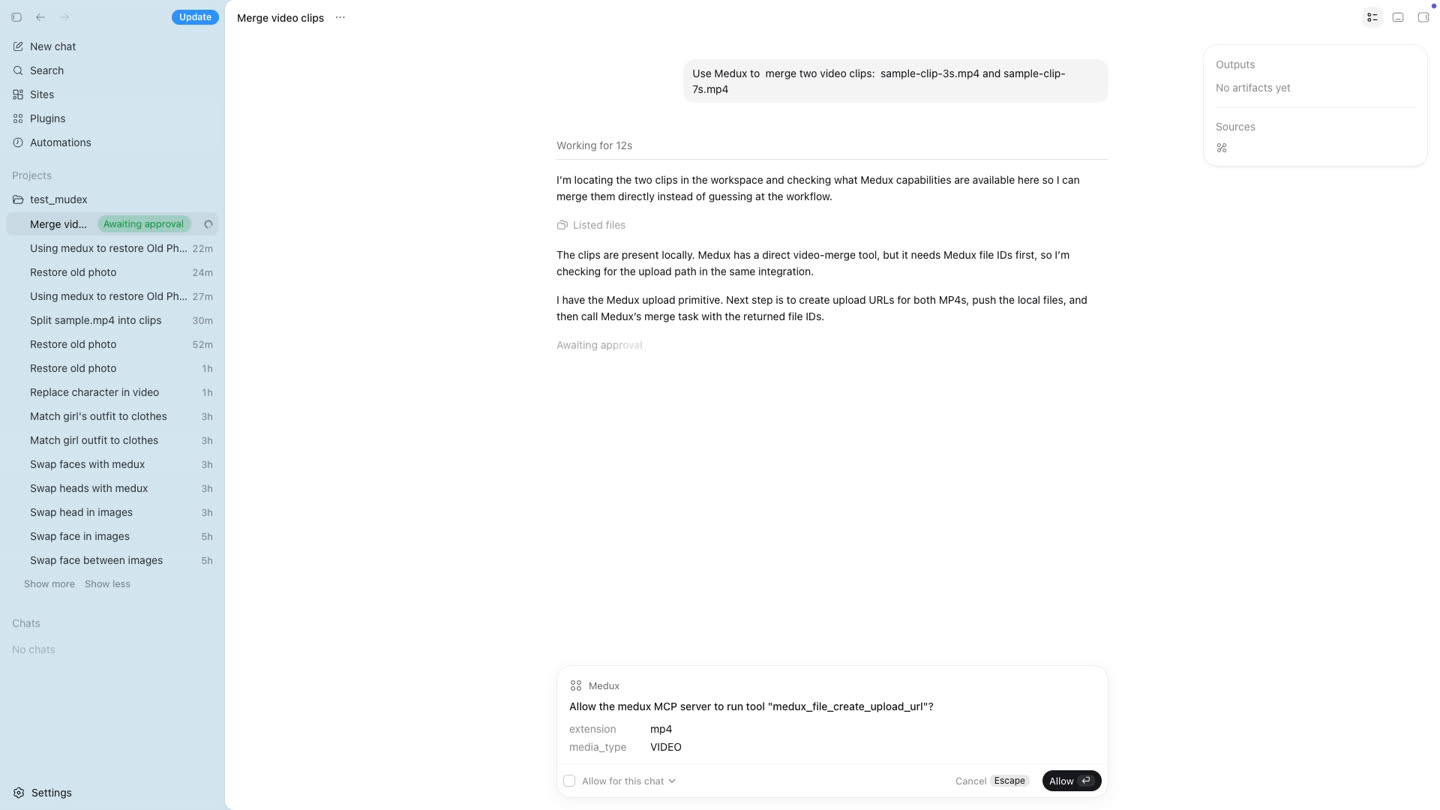
Let Codex inspect the workspace and request upload URLs
Codex confirms that both clips exist, identifies the Medux video merge tool, and requests temporary upload URLs and file IDs through MCP. Approve the Medux calls when Codex asks.
Upload each MP4 to its signed URL
Codex uploads the local clips with curl. The real signed URLs are generated by Medux and expire, so do not hard-code them into a reusable script.
curl -sS -X PUT \
  -H "Content-Type: video/mp4" \
  --upload-file "./sample-clip-3s.mp4" \
  "SIGNED_UPLOAD_URL_FOR_CLIP_1"

curl -sS -X PUT \
  -H "Content-Type: video/mp4" \
  --upload-file "./sample-clip-7s.mp4" \
  "SIGNED_UPLOAD_URL_FOR_CLIP_2"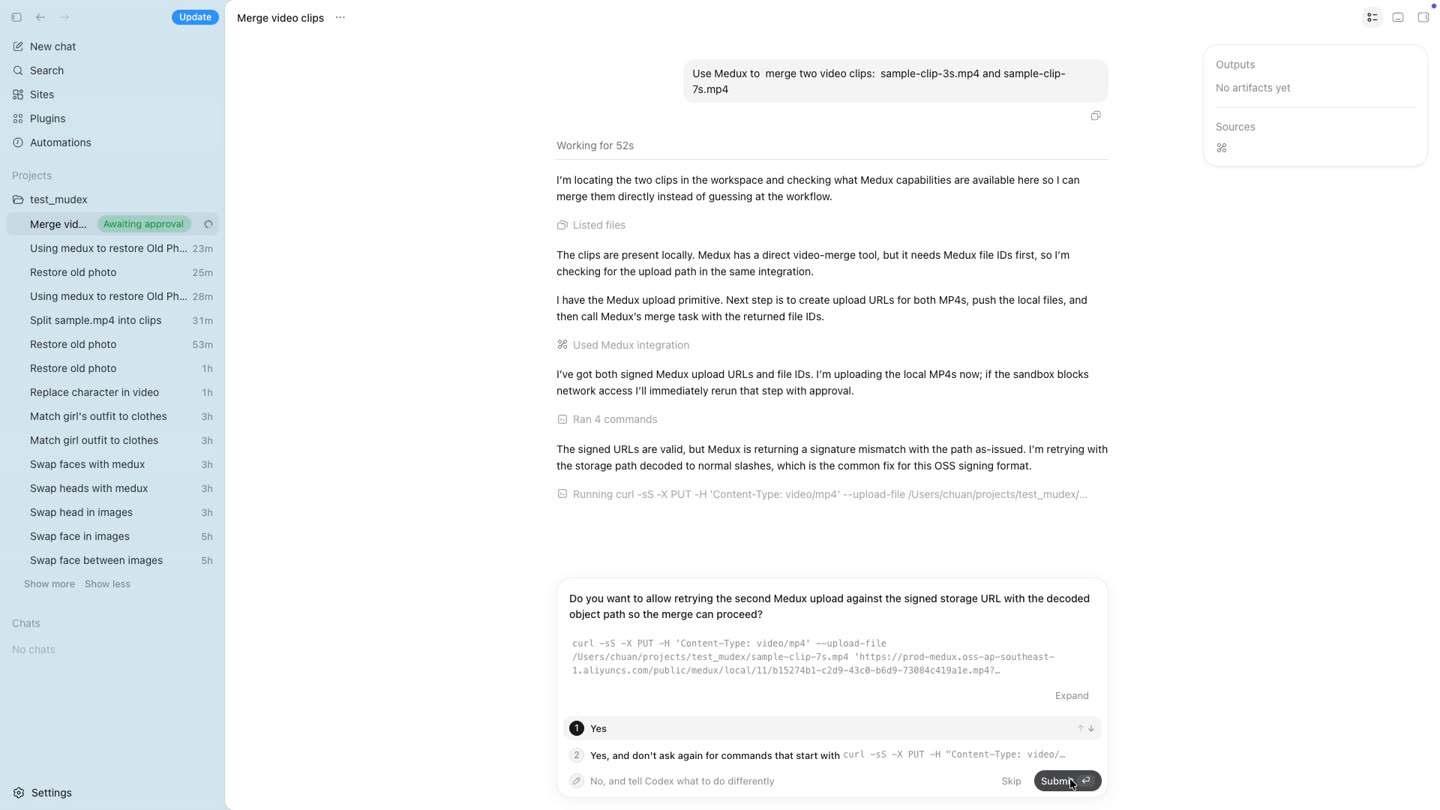
Start the Medux merge task and monitor it
After both uploads succeed, Codex sends the two Medux file IDs in the intended order to the video merge tool. It keeps querying the same task until processing finishes.
Both uploads are complete.
Merge FILE_ID_1 followed by FILE_ID_2 with Medux,
then keep checking the task until the result is ready.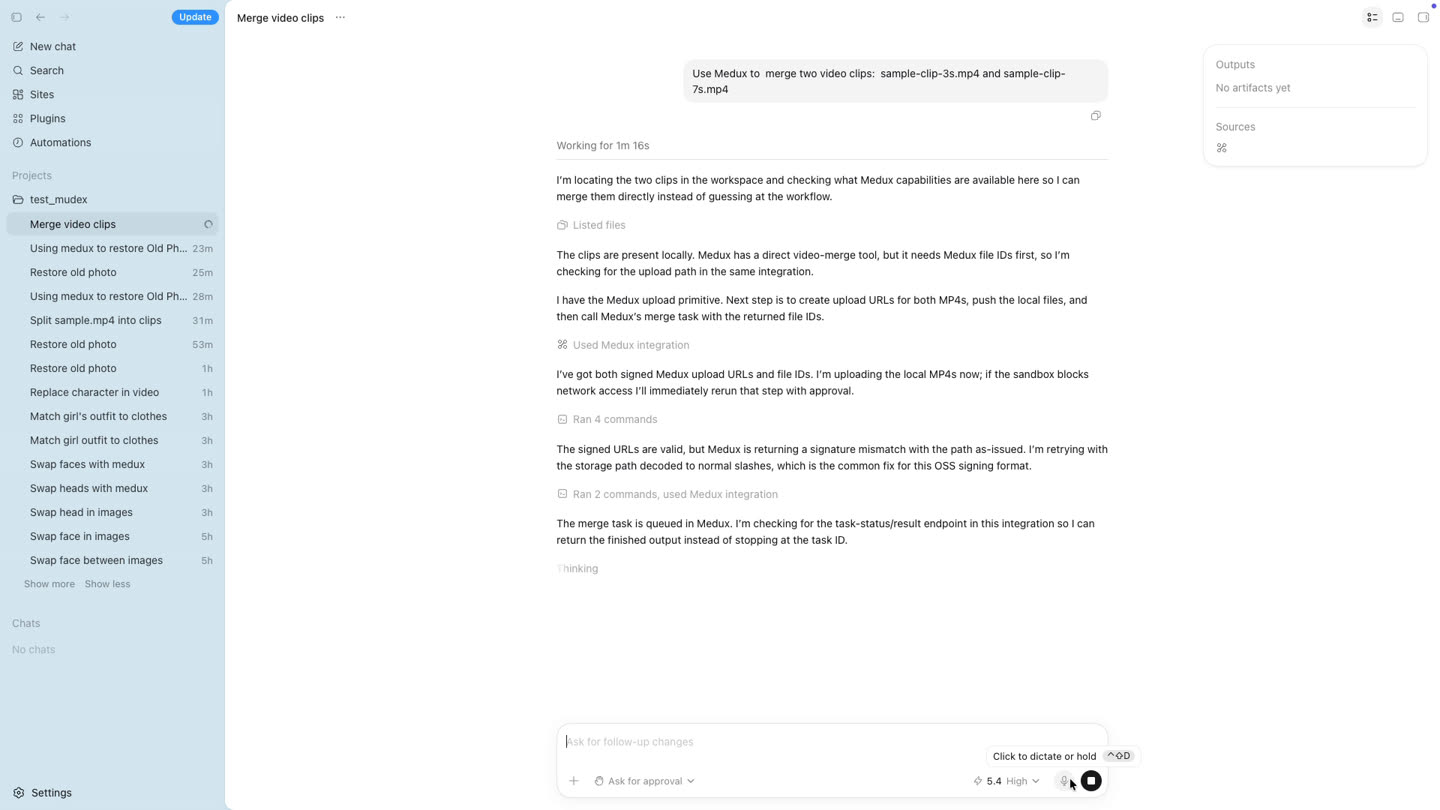
Download, preview, and verify the merged video
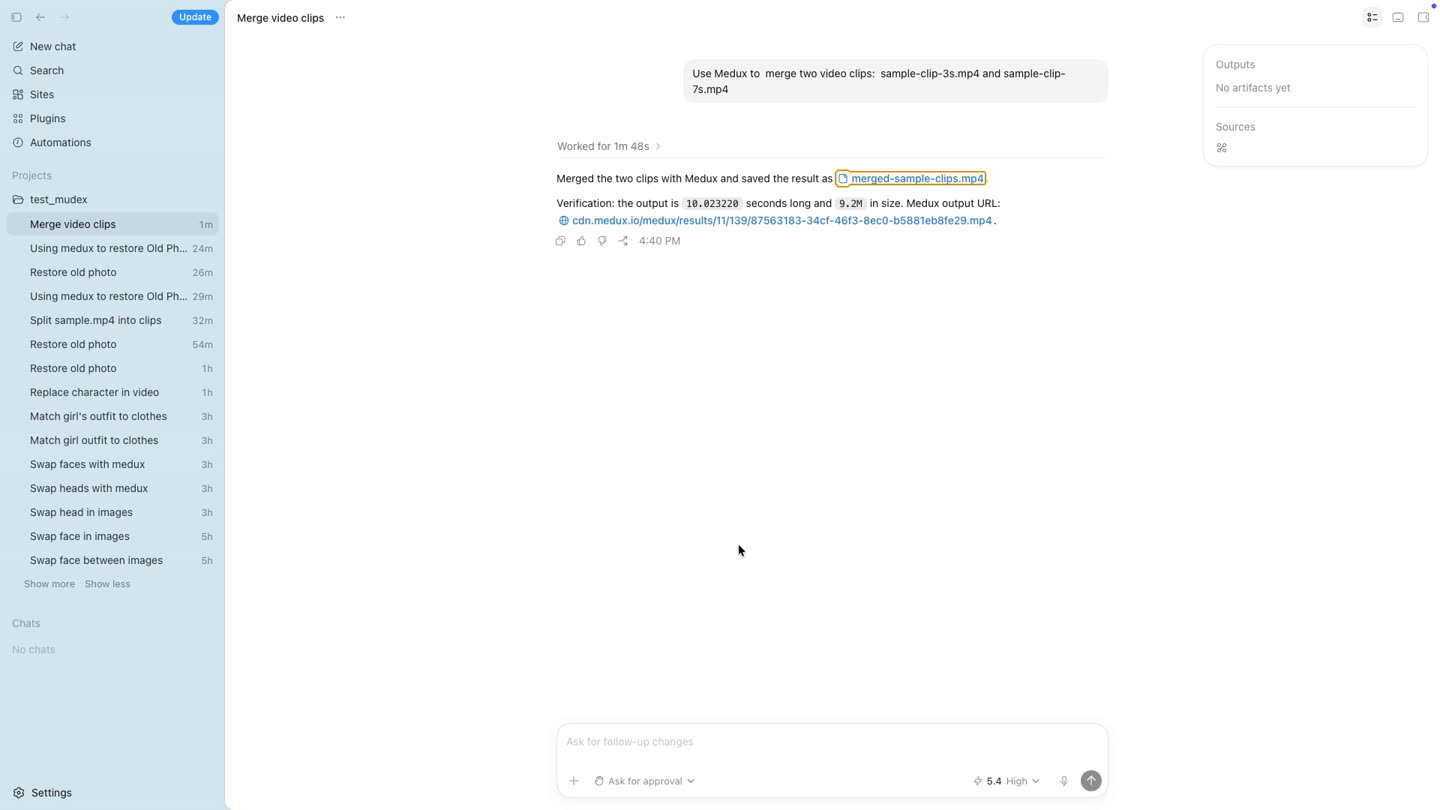
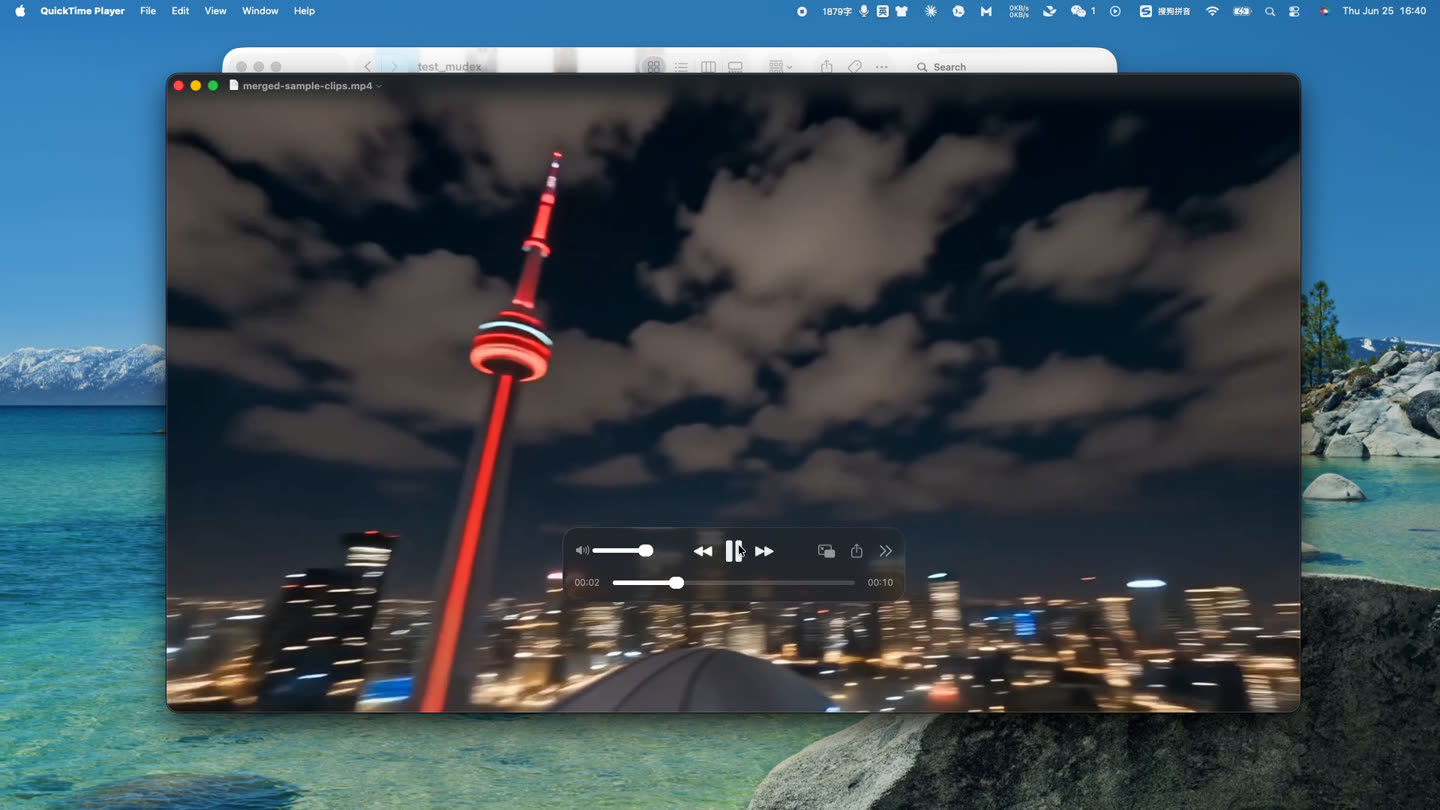
When Medux returns the result URL, Codex downloads the output as merged-sample-clips.mp4. The demo verifies a duration of 10.023220 seconds and a file size of approximately 9.2 MB.
Workflow at a glance
Why use Codex, MCP, and Medux?
Codex handles the planning and coordination; MCP gives it a standard connection to Medux; Medux performs the media processing. You avoid building a custom upload interface, writing a dedicated API client, or switching between separate editing dashboards.
Result: one natural-language request becomes a repeatable video merge workflow and a verified MP4 output.
Frequently asked questions
Can Codex merge videos through MCP?
Yes. Once Medux is connected, Codex can create upload destinations, send the clips, start the merge task, poll its status, and download the finished MP4.
What should I check before merging clips?
Confirm the intended clip order and compare resolution, aspect ratio, frame rate, video codec, and audio settings. Similar source properties generally create a cleaner result.
What should I verify after the merge?
Check the clip order, transition point, total duration, audio continuity, playback quality, resolution, and output file size.
Explore related workflows
Continue with another practical Medux workflow for video, image, audio, or document processing.