Image to Video API
This page calls the Image to Video API with the MiniMax H3 model. Use the same request in your own app.
Read the Image to Video API reference

Make a product feel impossible to ignore: the bottle rises, droplets hang in the air, and the camera circles the moment. Explore the free online example, then make a launch teaser, beauty spot, or beverage ad around your own product. MiniMax H3 turns the still photo into a cinematic clip.
Start with 3,000 free trial credits for eligible tasks. Compare free credits and usage limits.
Your photo becomes the first frame. Pick a preset, then edit any detail you like.
Model: Loading model…
Sign in to see the current credit cost for each model.
The latest task appears below. Processing continues on the server if you leave this page.
No video yet. Generate one to see it here.
Use the service behind this Workshop in your application or AI agent. Explore the API reference and its corresponding MCP tool before starting an integration.
This page calls the Image to Video API with the MiniMax H3 model. Use the same request in your own app.
Read the Image to Video API referenceConnect Medux to your agent and run the same prompt through the matching MCP tool.
Open the MCP tool referenceUpload your photo, or tap a sample to try it right away.
Each preset is a tested MiniMax H3 prompt. Edit the quoted line or any detail to make it yours.
Check the credit estimate, generate, then preview and download your video.
A floating product can turn a simple bottle or jar into a dramatic campaign image. The example holds the product in view while surrounding details lift and drift. Use the motion to draw attention to a launch, a flavor, a texture, or a hero ingredient.
Select these sample inputs in the tool above, or use images you have permission to work with. The video is an example of the effect; your result will reflect your own images and prompt.
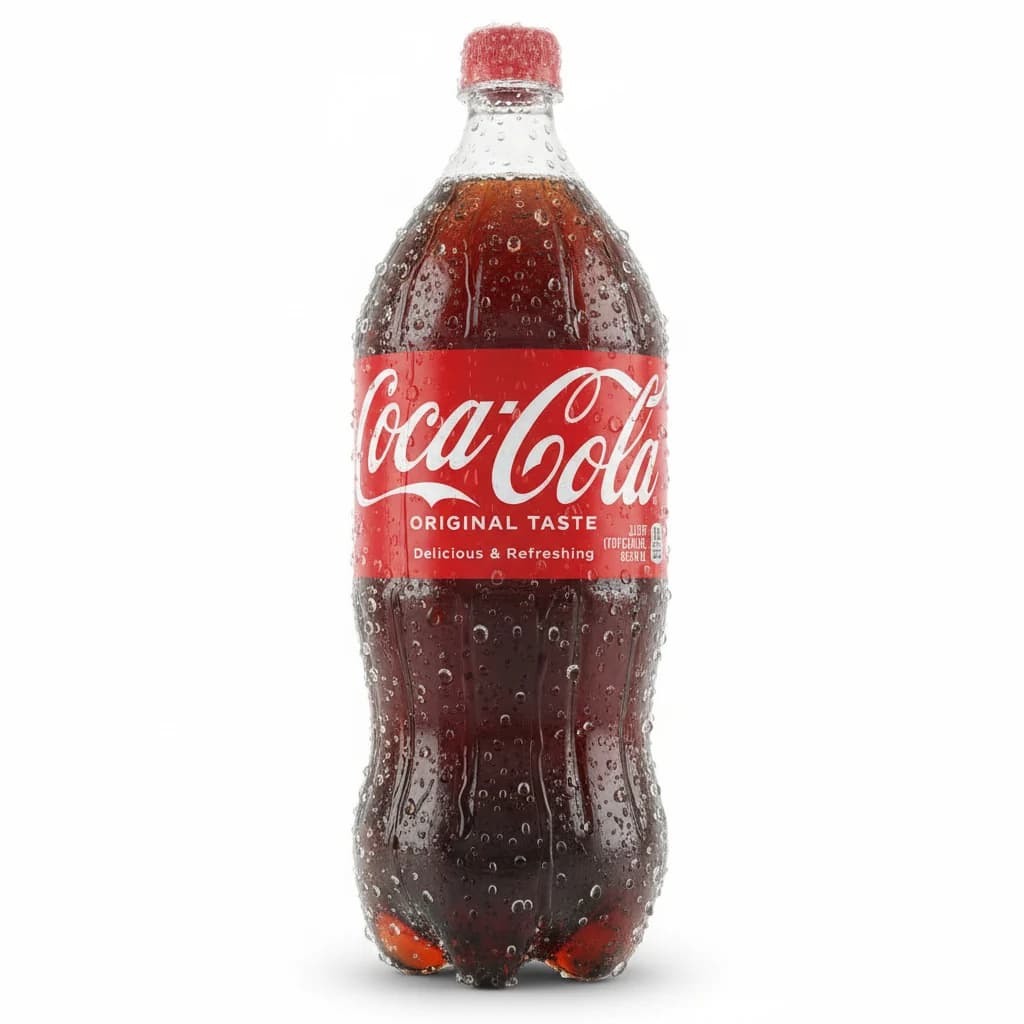

Keep the label and shape easy to recognize while droplets, ingredients, or nearby objects move around it. The contrast between a steady product and a weightless world carries the visual idea.
Use the reveal as the first seconds of a launch teaser, a beverage or beauty spot, a product-page hero video, or a short social ad.
Sparkling bubbles, fruit slices, flower petals, or a few loose objects can suggest what the product feels like. Pick details that belong to the brand rather than adding motion everywhere.
Swap in a new product photo and reuse the same preset for a whole catalog.
Bottles, cans, and jars pair especially well with floating liquids and droplets.
Use the weightless reveal as a hook before your main product video.
A single product in the photo keeps the label and shape consistent while it floats.
Say what rises out of it, such as "golden honey" or "sparkling bubbles", for a richer shot.
Generated lettering can drift. Add your slogan and logo in an editor after downloading.
Bottles, cans, jars, cosmetics, and packaged goods with a clear silhouette work well. A simple product photo helps the label remain readable while the surrounding motion creates the spectacle.
No. Each preset is a complete prompt. Pick one, upload your photo, and generate. You can still edit any word before you start.
The example videos and images are free to browse online, and you can explore unlimited creative ideas. Generating with MiniMax H3 requires a Starter plan or higher and available credits. Check the live estimate before creating.
MiniMax H3 does not accept audio uploads. Describe the voice or sound in the prompt instead, such as "a warm, calm voice"; speech and sound effects are generated with the video.
Upload photos you own or have permission to use. Anyone shown must be an adult who has agreed to appear, and products must be ones you are allowed to promote.
This play runs the MiniMax H3 model, which needs a Starter plan or higher. See Pricing for plan details.
Sign in to see the live estimate for the selected duration, clarity, and aspect ratio before you submit.
Yes. Processing continues on the server. Come back to this page or open Account Results to find your video.