
C
Clone
Create reusable digital assets from user-provided video, image, or audio samples.
Explore step-by-step Medux MCP tutorials for AI video, image, audio, voice, and document workflows. Each Codex and Claude guide includes a focused prompt, approval points, result checks, and links to the matching API and GitHub example.
Browse tutorials by the same product language used across Medux: Clone, Generate, Process, and Infra.
Create reusable digital assets from user-provided video, image, or audio samples.
Create one-off video or audio output using AI models and reusable assets.
Clean, crop, remove, transcode, and prepare media before or after generation.
Coordinate uploads, tasks, callbacks, and credits across every workflow.
Browse every Medux tutorial for Codex MCP and Claude MCP in one visual card library, with direct links to each standalone guide.

Use Codex and Medux through MCP to clone a reusable voice from reference audio and synthesize a new spoken track.

Use Codex and Medux through MCP to synchronize a source avatar video with a new audio track.

Use Codex and Medux through MCP to remove visible subtitles from an uploaded video.
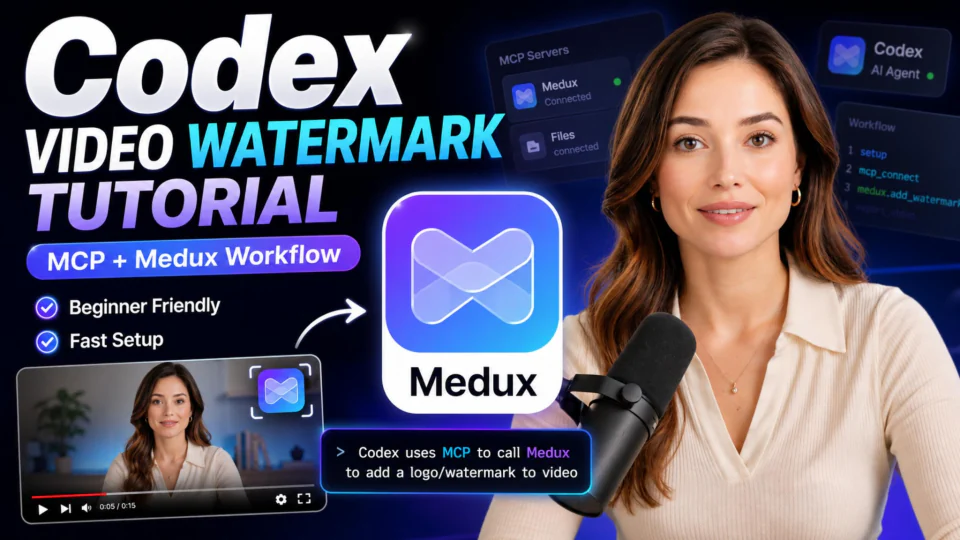
Use Codex and Medux through MCP to place a logo watermark on a video and export a branded MP4.

Use Codex and Medux through MCP to replace the full head region between a source and target image.
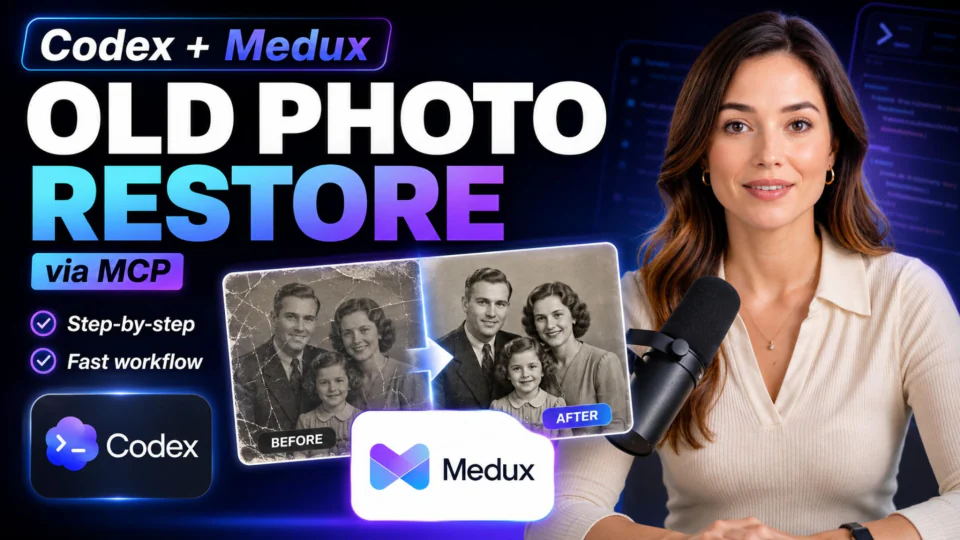
Use Codex and Medux through MCP to repair damage and fading in an old photograph.
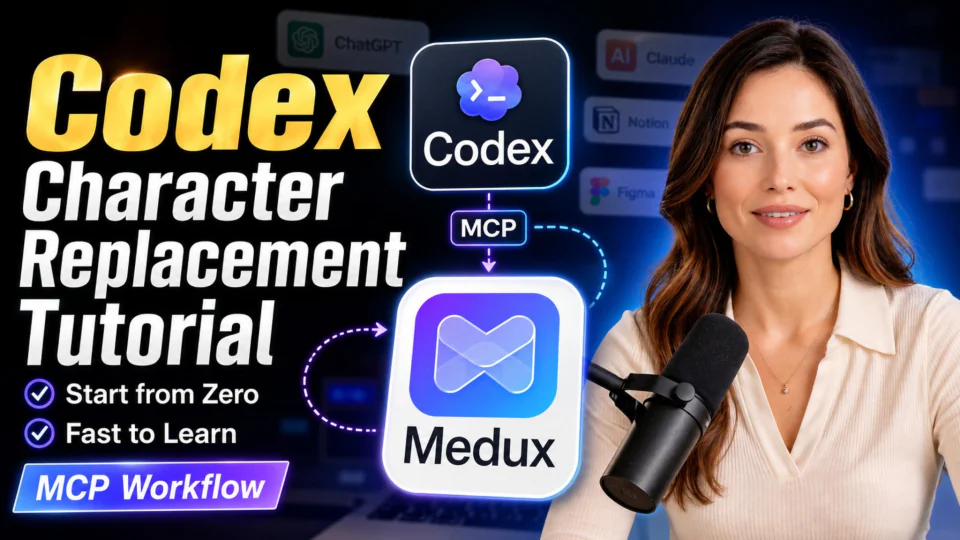
Use Codex and Medux through MCP to replace a video character using a source clip and reference character image.

Use Claude and Medux through MCP to add an audio track to a silent video and return a finished MP4.

Use Claude and Medux through MCP to place a logo watermark on a video and export a branded MP4.

Use Claude and Medux through MCP to raise or lower the pitch of an audio file without rebuilding the workflow manually.
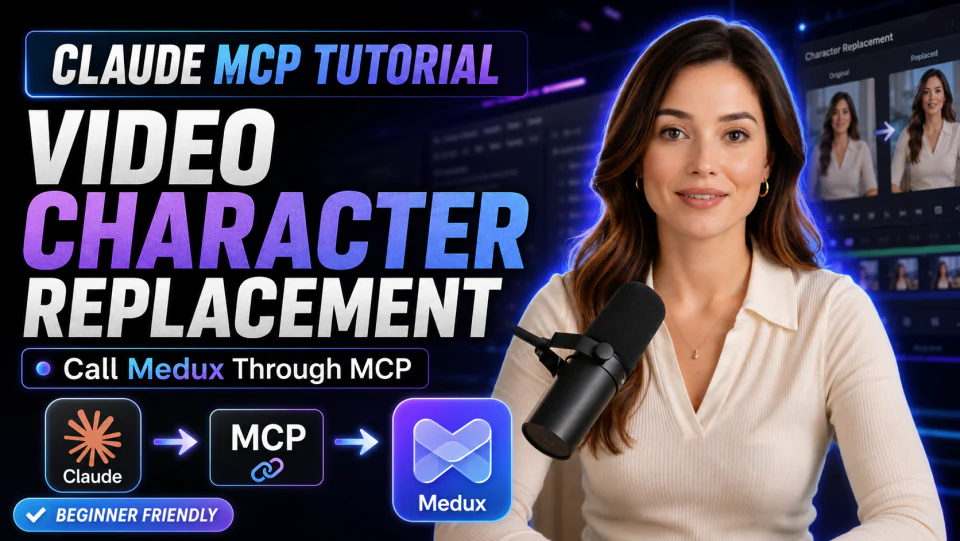
Use Claude and Medux through MCP to replace a video character using a source clip and reference character image.
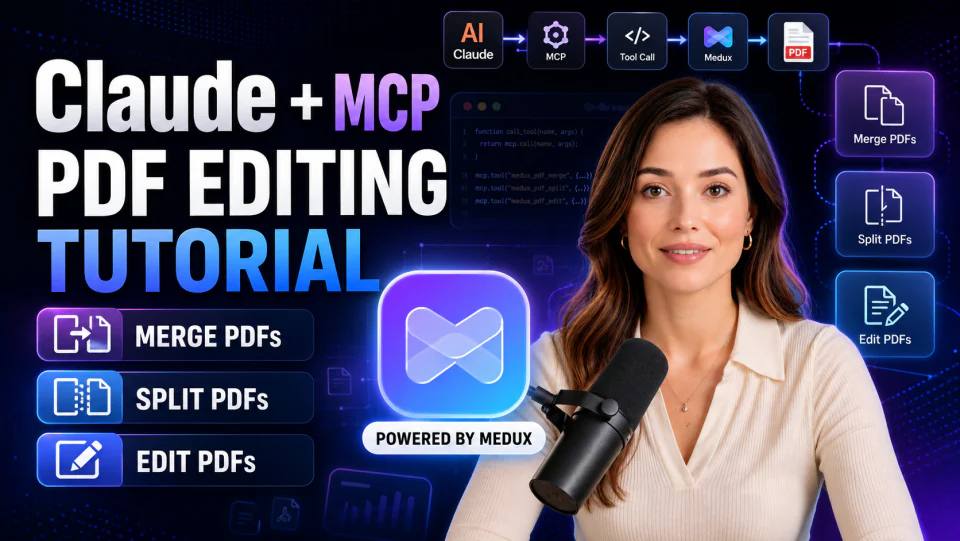
Use Claude and Medux through MCP to merge source PDFs, then extract the required pages into a final document.
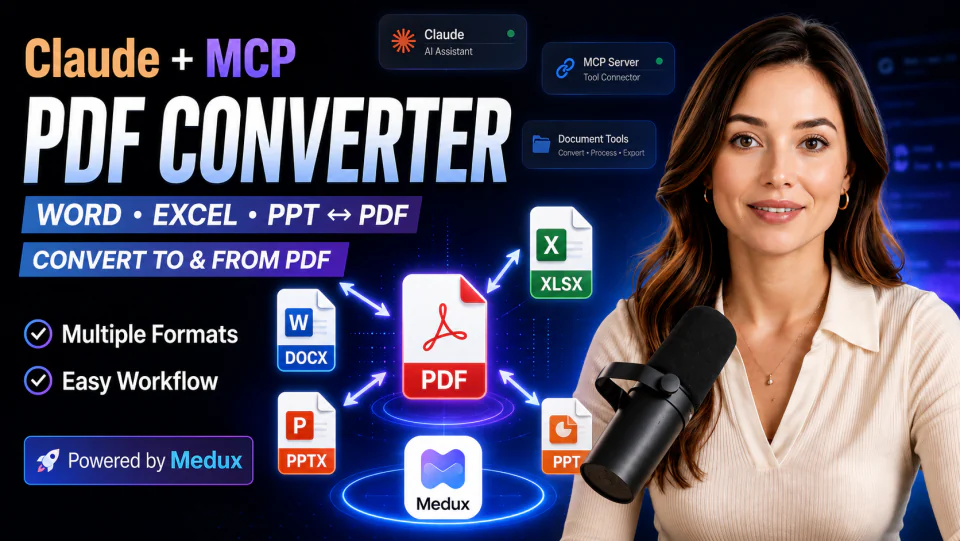
Use Claude and Medux through MCP to convert a DOCX document into a downloadable PDF.

Use Claude and Medux through MCP to transfer clothing from a reference image onto the target subject.
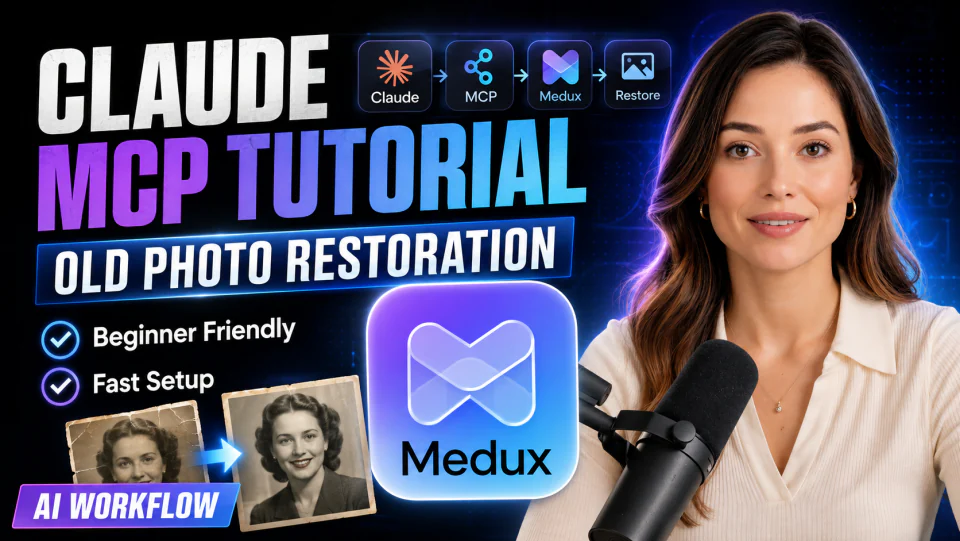
Use Claude and Medux through MCP to repair damage and fading in an old photograph.

Use Claude and Medux through MCP to transfer facial identity between images while preserving the target pose and lighting.

Use Claude and Medux through MCP to replace the full head region between a source and target image.
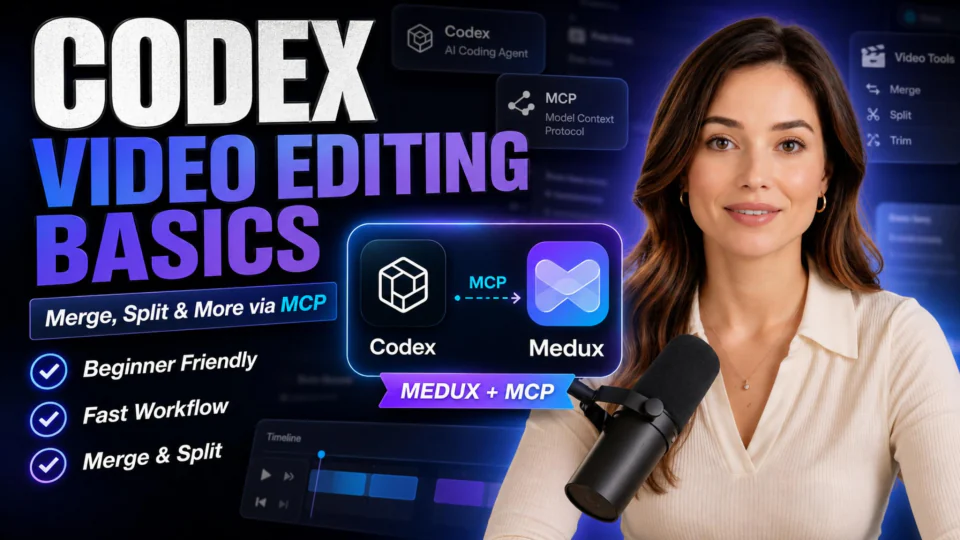
Use Codex and Medux through MCP to combine multiple video clips into one ordered MP4.

Use Claude and Medux through MCP to combine multiple video clips into one ordered MP4.

Use Codex and Medux through MCP to create a presigned upload URL and file reference for a direct client upload.
Use Claude and Medux through MCP to create a presigned upload URL and file reference for a direct client upload.
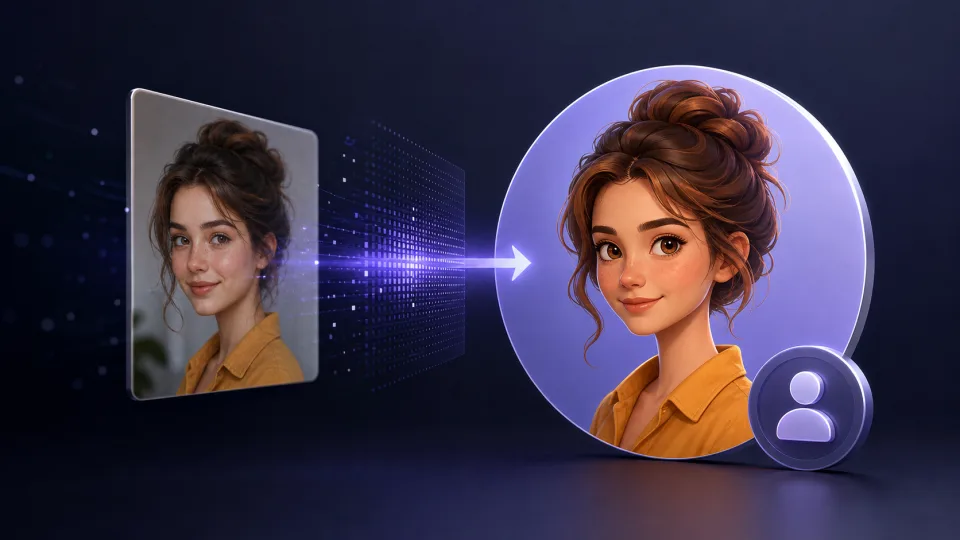
Use Codex and Medux through MCP to create a reusable avatar asset from an uploaded portrait image.
Use Claude and Medux through MCP to create a reusable avatar asset from an uploaded portrait image.

Use Codex and Medux through MCP to create a reusable avatar asset from an uploaded source video.
Use Claude and Medux through MCP to create a reusable avatar asset from an uploaded source video.

Use Codex and Medux through MCP to clone a reusable voice asset from an uploaded audio sample.
Use Claude and Medux through MCP to clone a reusable voice asset from an uploaded audio sample.

Use Codex and Medux through MCP to update the tuning parameters of an existing reusable voice asset.
Use Claude and Medux through MCP to update the tuning parameters of an existing reusable voice asset.
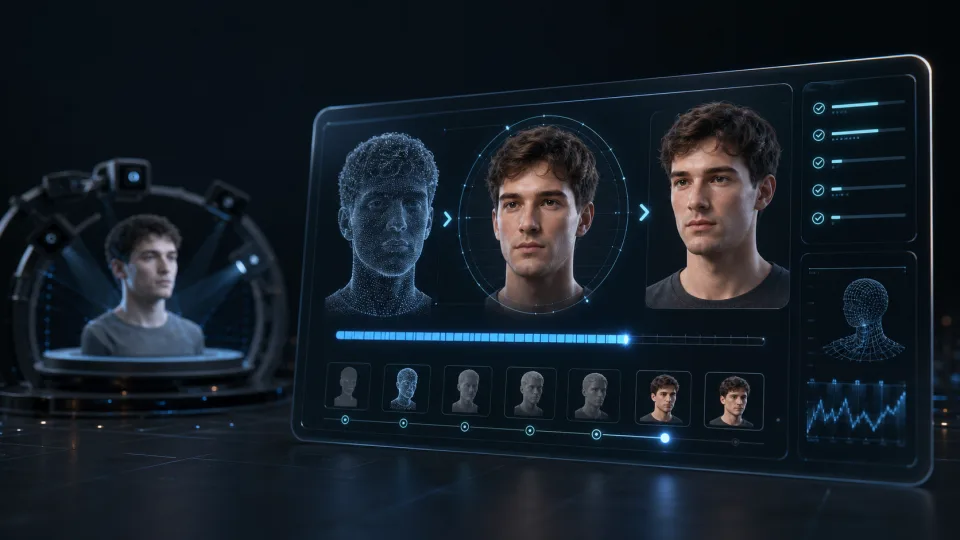
Use Codex and Medux through MCP to retrieve the current state of an avatar cloning task.
Use Claude and Medux through MCP to retrieve the current state of an avatar cloning task.
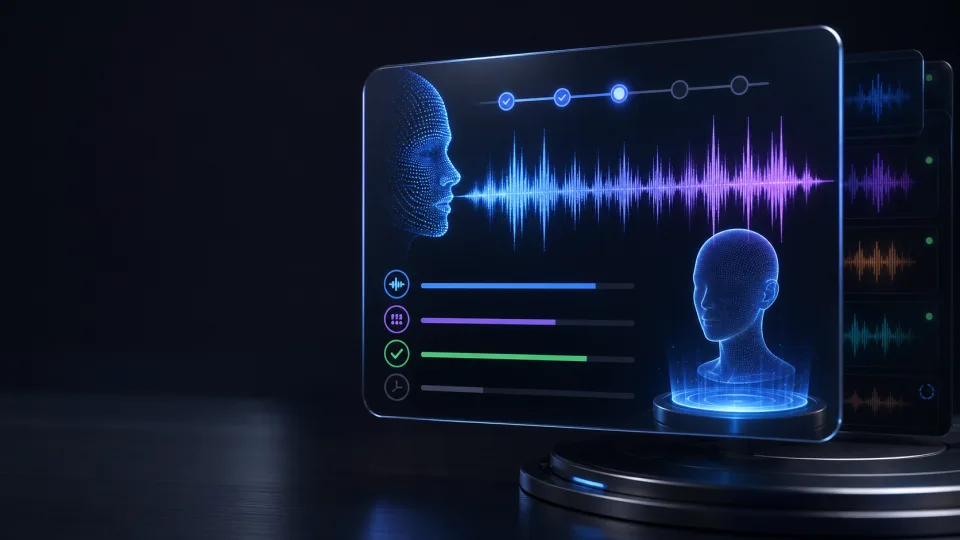
Use Codex and Medux through MCP to retrieve the current state of a voice cloning task.
Use Claude and Medux through MCP to retrieve the current state of a voice cloning task.

Use Codex and Medux through MCP to list the reusable avatar assets owned by the authenticated Medux account.
Use Claude and Medux through MCP to list the reusable avatar assets owned by the authenticated Medux account.

Use Codex and Medux through MCP to list the reusable voice assets owned by the authenticated Medux account.
Use Claude and Medux through MCP to list the reusable voice assets owned by the authenticated Medux account.

Use Codex and Medux through MCP to generate speech from text with a reusable voice asset.
Use Claude and Medux through MCP to generate speech from text with a reusable voice asset.

Use Claude and Medux through MCP to pair a reusable avatar with uploaded audio to generate a speaking video.

Use Codex and Medux through MCP to animate a source image into a video using a text prompt.
Use Claude and Medux through MCP to animate a source image into a video using a text prompt.

Use Codex and Medux through MCP to generate an avatar video from text with reusable avatar and voice assets.
Use Claude and Medux through MCP to generate an avatar video from text with reusable avatar and voice assets.

Use Codex and Medux through MCP to generate a video directly from a text prompt.
Use Claude and Medux through MCP to generate a video directly from a text prompt.

Use Codex and Medux through MCP to start video generation from an existing provider project.
Use Claude and Medux through MCP to start video generation from an existing provider project.

Use Codex and Medux through MCP to retrieve the current state of a media generation task.
Use Claude and Medux through MCP to retrieve the current state of a media generation task.

Use Codex and Medux through MCP to generate an image from a descriptive text prompt.
Use Claude and Medux through MCP to generate an image from a descriptive text prompt.

Use Codex and Medux through MCP to generate a talking photo video from a reference image and driving audio.
Use Claude and Medux through MCP to generate a talking photo video from a reference image and driving audio.

Use Codex and Medux through MCP to create an asset record from a file uploaded through a direct upload URL.
Use Claude and Medux through MCP to create an asset record from a file uploaded through a direct upload URL.

Use Codex and Medux through MCP to return a single Medux task record by its ID.
Use Claude and Medux through MCP to return a single Medux task record by its ID.
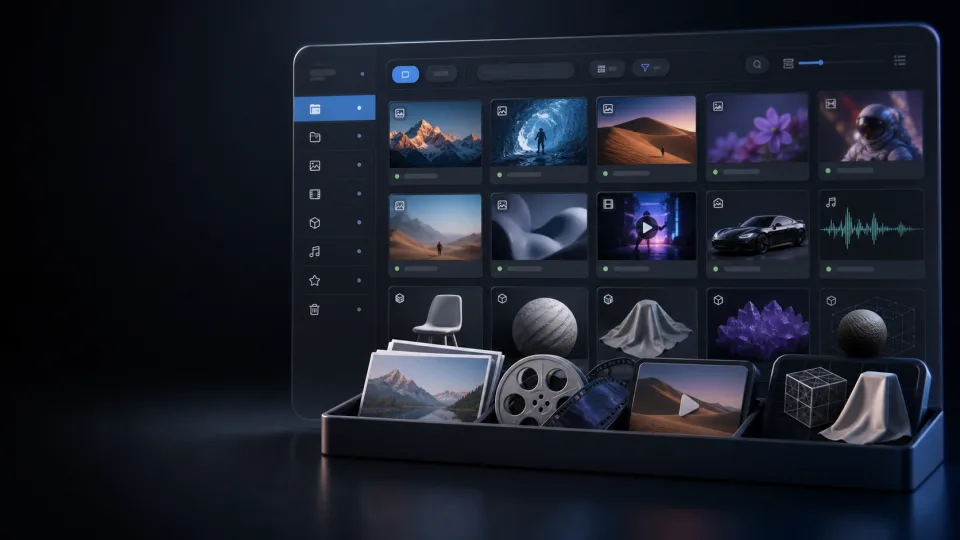
Use Codex and Medux through MCP to list assets owned by the authenticated Medux account.
Use Claude and Medux through MCP to list assets owned by the authenticated Medux account.

Use Codex and Medux through MCP to list saved result records for the authenticated Medux account.
Use Claude and Medux through MCP to list saved result records for the authenticated Medux account.

Use Codex and Medux through MCP to list media tasks created by the authenticated Medux account.
Use Claude and Medux through MCP to list media tasks created by the authenticated Medux account.

Use Codex and Medux through MCP to sync a task with its upstream provider and return the latest local state.
Use Claude and Medux through MCP to sync a task with its upstream provider and return the latest local state.

Use Codex and Medux through MCP to remove the background from an uploaded image.
Use Claude and Medux through MCP to remove the background from an uploaded image.

Use Codex and Medux through MCP to remove the background from an uploaded video.
Use Claude and Medux through MCP to remove the background from an uploaded video.

Use Claude and Medux through MCP to remove visible subtitles from an uploaded video.

Use Codex and Medux through MCP to remove a visible watermark from an uploaded video.
Use Claude and Medux through MCP to remove a visible watermark from an uploaded video.

Use Codex and Medux through MCP to retrieve the current state of a Medux media processing task.
Use Claude and Medux through MCP to retrieve the current state of a Medux media processing task.

Use Codex and Medux through MCP to remove a logo from a video using a reference and motion mode when needed.
Use Claude and Medux through MCP to remove a logo from a video using a reference and motion mode when needed.

Use Codex and Medux through MCP to transfer facial identity between images while preserving the target pose and lighting.
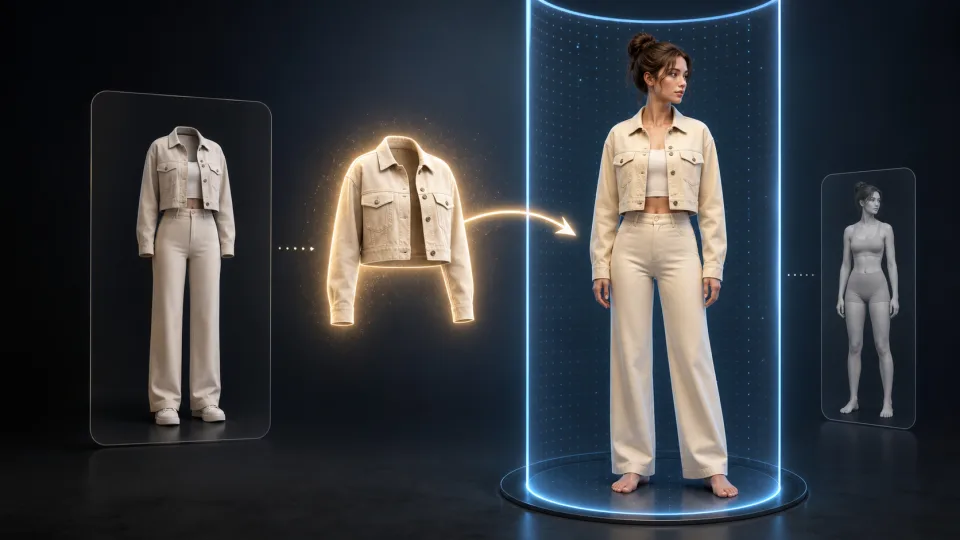
Use Codex and Medux through MCP to transfer clothing from a reference image onto the target subject.

Use Codex and Medux through MCP to remove a selected object from a video using mask regions.
Use Claude and Medux through MCP to remove a selected object from a video using mask regions.

Use Codex and Medux through MCP to upscale a source video to a higher resolution.
Use Claude and Medux through MCP to upscale a source video to a higher resolution.

Use Codex and Medux through MCP to animate a prepared swapped-head image with a driving video.
Use Claude and Medux through MCP to animate a prepared swapped-head image with a driving video.

Use Codex and Medux through MCP to cut a video to a specified time range.
Use Claude and Medux through MCP to cut a video to a specified time range.

Use Codex and Medux through MCP to split a video into multiple segments by time range.
Use Claude and Medux through MCP to split a video into multiple segments by time range.
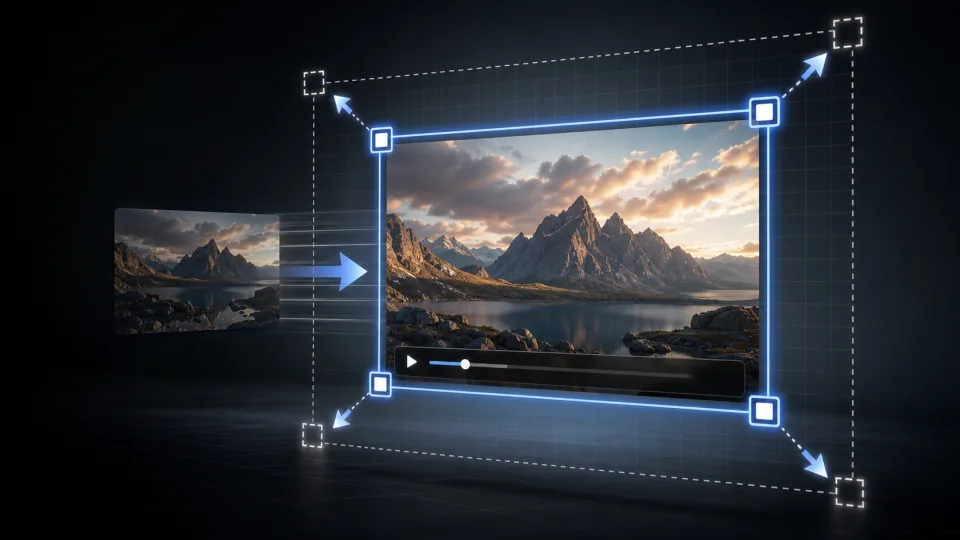
Use Codex and Medux through MCP to resize a video to a target resolution.
Use Claude and Medux through MCP to resize a video to a target resolution.
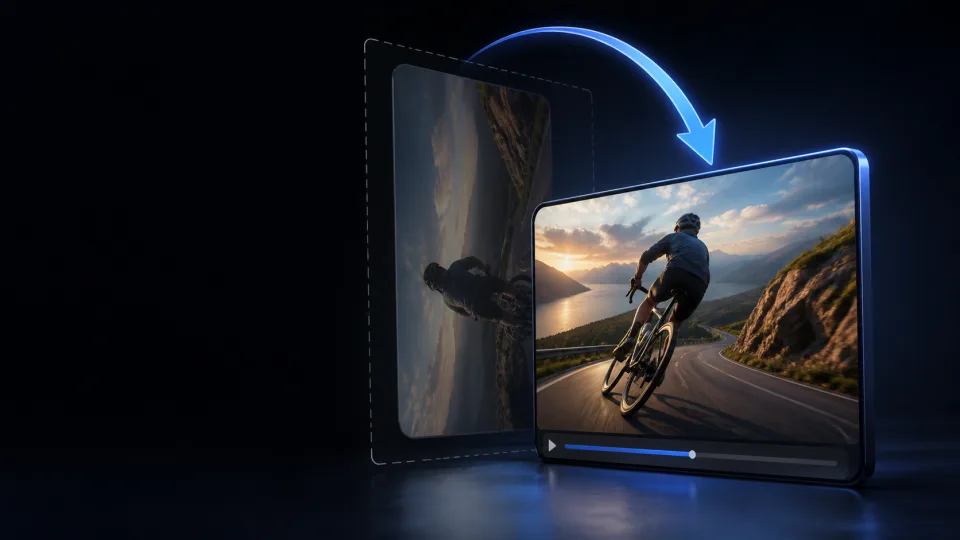
Use Codex and Medux through MCP to rotate a video by 90, 180, or 270 degrees.
Use Claude and Medux through MCP to rotate a video by 90, 180, or 270 degrees.
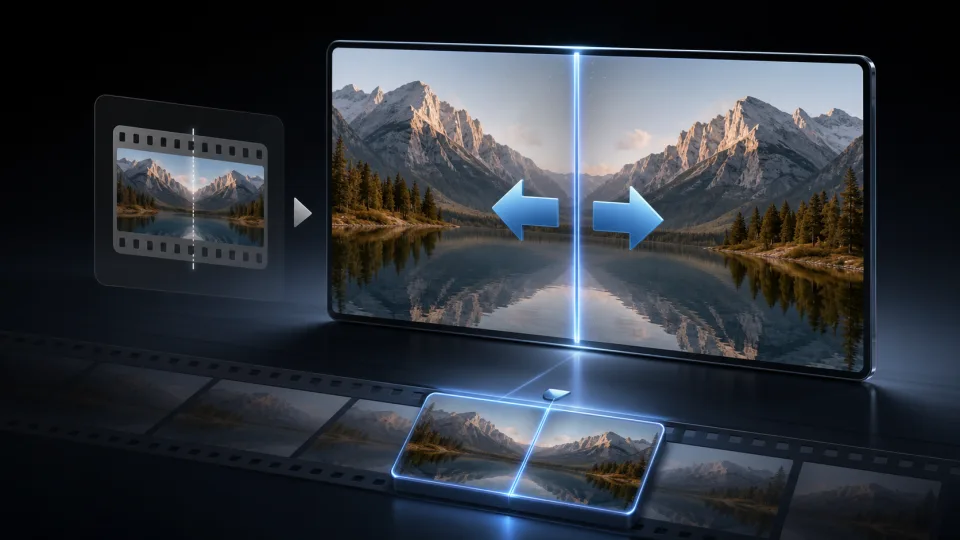
Use Codex and Medux through MCP to flip a video horizontally, vertically, or in both directions.
Use Claude and Medux through MCP to flip a video horizontally, vertically, or in both directions.

Use Codex and Medux through MCP to speed up or slow down a video.
Use Claude and Medux through MCP to speed up or slow down a video.

Use Codex and Medux through MCP to increase or decrease the audio volume of a video.
Use Claude and Medux through MCP to increase or decrease the audio volume of a video.
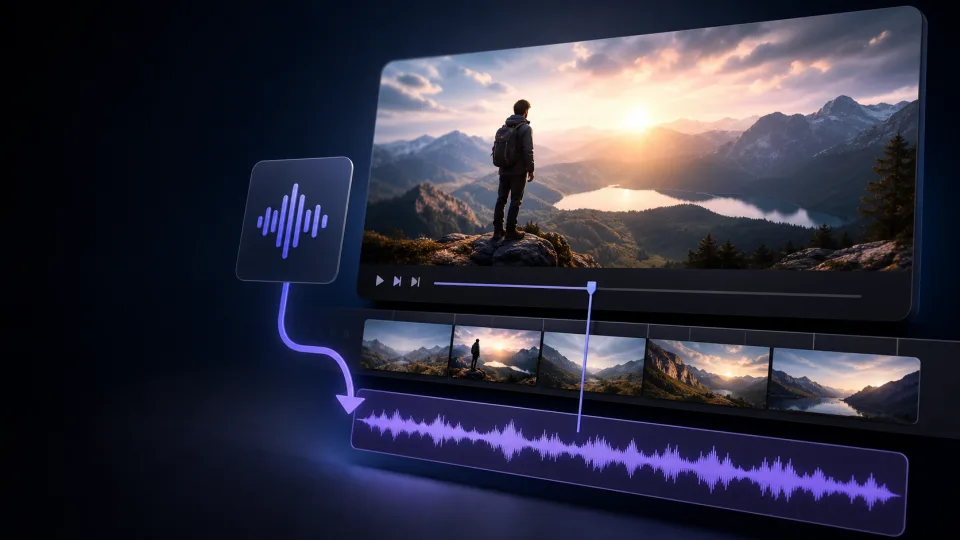
Use Codex and Medux through MCP to add a new audio track to a video or replace its existing audio.
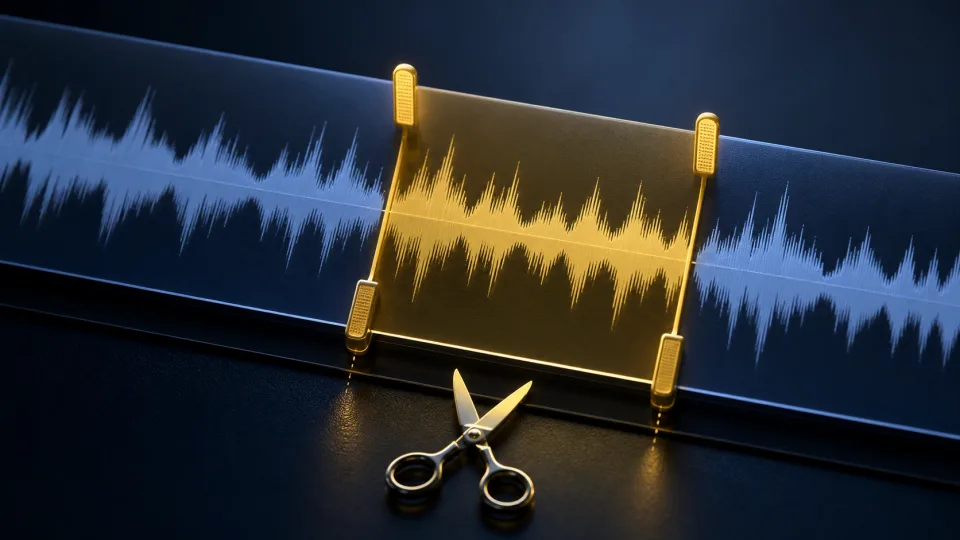
Use Codex and Medux through MCP to cut an audio file to a specified time range.
Use Claude and Medux through MCP to cut an audio file to a specified time range.

Use Codex and Medux through MCP to concatenate multiple audio files into one ordered track.
Use Claude and Medux through MCP to concatenate multiple audio files into one ordered track.

Use Codex and Medux through MCP to reverse the playback direction of an audio file.
Use Claude and Medux through MCP to reverse the playback direction of an audio file.

Use Codex and Medux through MCP to speed up or slow down an audio file.
Use Claude and Medux through MCP to speed up or slow down an audio file.

Use Codex and Medux through MCP to increase or decrease the volume of an audio file.
Use Claude and Medux through MCP to increase or decrease the volume of an audio file.

Use Codex and Medux through MCP to raise or lower the pitch of an audio file.

Use Codex and Medux through MCP to convert a Word document into a downloadable PDF.

Use Codex and Medux through MCP to convert an Excel workbook into a PDF.
Use Claude and Medux through MCP to convert an Excel workbook into a PDF.

Use Codex and Medux through MCP to convert a PowerPoint presentation into a PDF.
Use Claude and Medux through MCP to convert a PowerPoint presentation into a PDF.

Use Codex and Medux through MCP to convert a PDF into an editable Word document.
Use Claude and Medux through MCP to convert a PDF into an editable Word document.

Use Codex and Medux through MCP to convert a PDF into an editable DOCX file.
Use Claude and Medux through MCP to convert a PDF into an editable DOCX file.
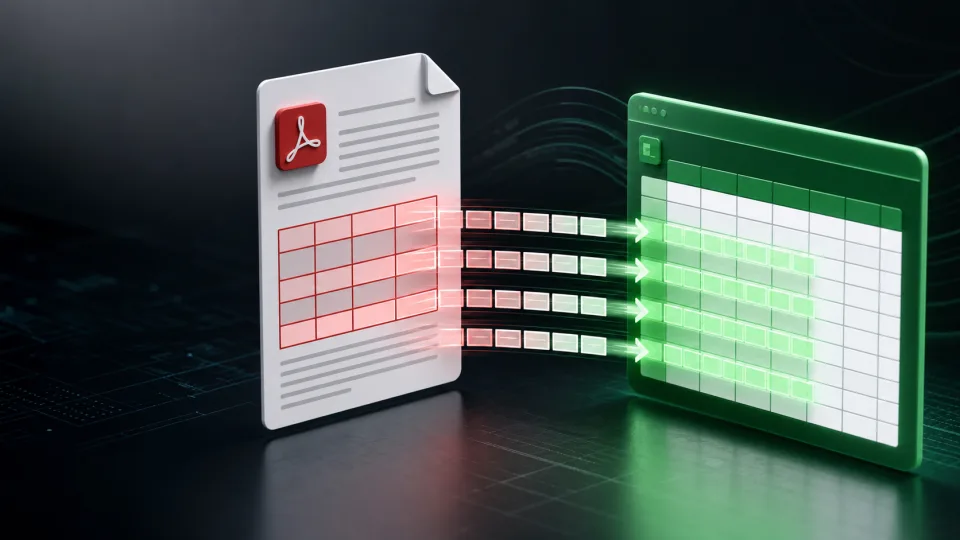
Use Codex and Medux through MCP to extract tables from a PDF into an Excel workbook.
Use Claude and Medux through MCP to extract tables from a PDF into an Excel workbook.

Use Codex and Medux through MCP to convert a PDF into a PowerPoint presentation.
Use Claude and Medux through MCP to convert a PDF into a PowerPoint presentation.

Use Codex and Medux through MCP to render PDF pages as images and return them in a ZIP archive.
Use Claude and Medux through MCP to render PDF pages as images and return them in a ZIP archive.

Use Codex and Medux through MCP to render PDF pages as JPEG images in a ZIP archive.
Use Claude and Medux through MCP to render PDF pages as JPEG images in a ZIP archive.
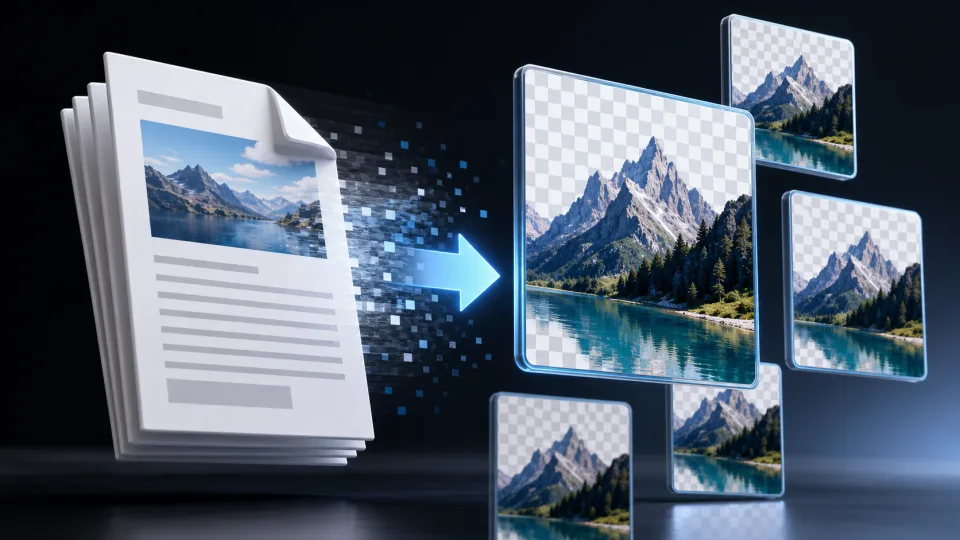
Use Codex and Medux through MCP to render PDF pages as PNG images in a ZIP archive.
Use Claude and Medux through MCP to render PDF pages as PNG images in a ZIP archive.

Use Codex and Medux through MCP to combine multiple source images into one ordered PDF.
Use Claude and Medux through MCP to combine multiple source images into one ordered PDF.

Use Codex and Medux through MCP to convert JPG or PNG images into a downloadable PDF.
Use Claude and Medux through MCP to convert JPG or PNG images into a downloadable PDF.

Use Codex and Medux through MCP to merge multiple PDF files into one ordered PDF.
Use Claude and Medux through MCP to merge multiple PDF files into one ordered PDF.

Use Codex and Medux through MCP to extract selected pages from a PDF into a new PDF.
Use Claude and Medux through MCP to extract selected pages from a PDF into a new PDF.